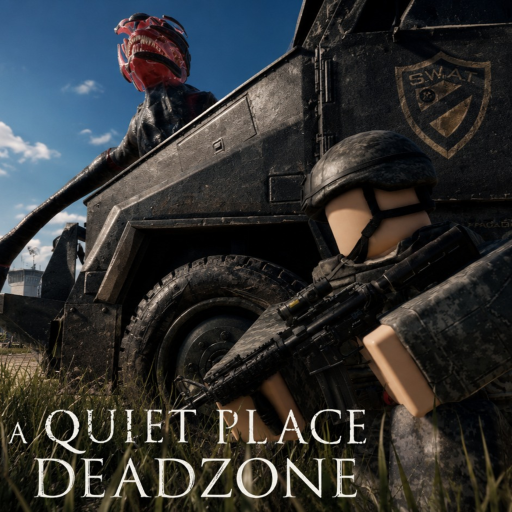
A Quiet Place Deadzone Silence Survival Checklist
Tick through these habits before every Cold Spring session so noise never surprises you.
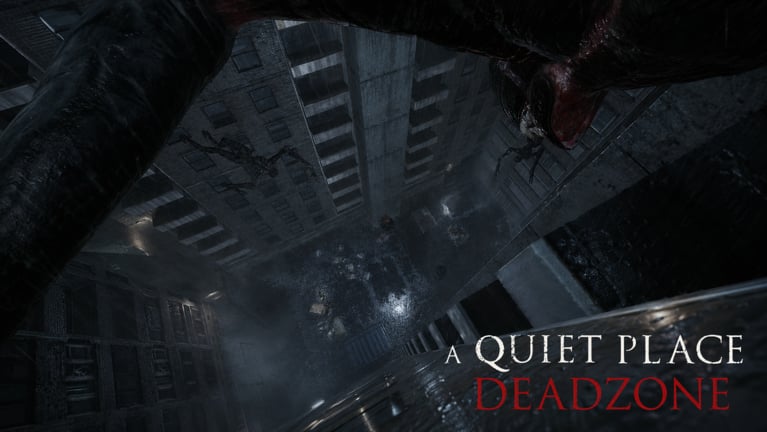
The Silence Survival Checklist is a pre-run ritual for A Quiet Place: Deadzone on Roblox. Creatures in Cold Spring hunt by sound. Most early deaths are not random — they come from skipped setup steps: an open microphone, sprinting on metal, forgotten code redemption, or logging out while the danger warning still glows on screen.
This page explains why each item matters and gives you a practical checklist you can run mentally before joining place ID 106920577206536. Interactive UI may arrive later; for now, treat the list like a pilot’s pre-flight review. Two quiet minutes beat twenty minutes of lost loot.
Why checklists work in sound horror
Pre-Alpha horror rewards consistency more than hero moments. Patches can change loot tables and UI labels, but footstep discipline and audio hygiene stay valuable. A checklist converts scattered wiki advice — How to Stay Silent, Microphone Settings, Keep Your Inventory — into one repeatable gate you never skip.
Co-op amplifies the need. One teammate blasting music or rage-quitting during danger can wipe squad progress. Share this page before invite.
Section 1: Account and game verification
Before audio or movement, confirm you are launching the correct experience. Search confusion between Roblox Deadzone, Deadzone Classic, and The Road Ahead causes wrong-code redemption and script scams daily.
Verify the developer QPG STUDIOS on the Roblox page. Bookmark How to Play if you are new. Avoid Scripts entirely — no verified stable script exists for this place, and executors risk bans.
Section 2: Codes and rewards
Official promo strings appear on the Roblox description, not in random Discord DMs. Redeem before looting so rewards apply to the run you are about to start.
Open Active Codes and copy 10000LIKES if you have not redeemed it this week. Follow How to Redeem for the in-game panel path. Track the public 25,000 likes milestone on Upcoming Codes — not fake leak strings.
Codes do not silence footsteps. They only soften early progression while you learn routes from Survive Cold Spring.
Section 3: Audio and microphone
Deadzone’s fantasy breaks if your room is louder than the game. Headphones help you hear creature cues; speakers leak noise back into open mics.
Read Audio Settings and Microphone Settings before changing defaults. Decide whether microphone detection stays on for immersion or off because family noise makes detection unfair. There is no universal best setting — only best for your room.
Lower Roblox master volume enough to hear subtle cues, but not so low that you miss danger feedback. Close music apps and browser tabs with auto-play ads.
Section 4: Controls and movement defaults
Open PC Controls and verify sprint, crouch, and interact bindings in the in-game settings panel. Pre-Alpha builds can remap labels between patches — see Latest Update v1.2 after breaks.
Default to crouch-walking unless you consciously accept noise risk. Sprint only with a plan, not because Roblox muscle memory says so. Shift lock and camera sensitivity affect how often you bump props — collisions create sound.
Section 5: Inventory and danger exits
The danger indicator is a logout gate. Leaving while it is active can delete carried loot. That rule defines the economy more than any code.
Study Keep Your Inventory until waiting for clear status is automatic. If teammates panic-disconnect, you still wait. Mid-chase alt-F4 is how beginners lose hours of progress.
Section 6: Squad coordination
Online co-op means shared consequence. Agree before queue:
- Push-to-talk or mute unless calling whispers
- Who leads navigation using Survive Cold Spring routes
- No soundboard trolling on public servers
- Everyone exits only when danger clears
One loud friend alerts creatures for the whole server. Social discipline is mechanical skill here.
Section 7: Creature awareness
Skim Creatures Overview so you know what senses matter this build. Pair with Stealth Tips for surface choices — grass versus metal, interior versus open yard.
If you have not read Creatures recently, recheck after Pre-Alpha Status notes — tuning can shift between patches.
Section 8: Post-session review
After logging out clean, note what made noise: a door, a dropped item, a mic spike. Adjust next checklist run. Horror improvement is iterative, not a one-time guide read.
Printable pre-run checklist
Copy this block into notes or run through it mentally each session. Mark items when complete.
Launch and account
- Confirmed Roblox page is A Quiet Place: Deadzone by QPG STUDIOS (place
106920577206536) - Not confusing this title with The Road Ahead or Deadzone Classic
- Skipped executors and unverified scripts — see Scripts Hub for why
Codes and rewards
- Opened Active Codes and redeemed
10000LIKESif not already active this week - Used How to Redeem steps — copied code exactly, no extra spaces
- Ignored fake “leaked” codes not listed on the official Roblox description
Audio setup
- Headphones on; speakers muted or low for household peace
- Reviewed Audio Settings — Roblox volume balanced for creature cues
- Chose mic mode using Microphone Settings (on for immersion / off for noisy rooms)
- Closed background music, videos, and notification-heavy apps
Controls and movement
- Verified crouch / sprint / interact bindings via PC Controls
- Planned default movement: crouch-walk unless risking sprint intentionally
- Camera sensitivity checked so I will not scrape walls and props loudly
Danger and inventory
- Re-read danger indicator rule on Keep Your Inventory
- Committed to no logout or server hop while danger warning is active
- Planned exit only after indicator clears — win or lose
Squad and social
- Squad agreed on mute / whisper rules before invite
- No open-mic chaos in public servers
- Shared Survive Cold Spring route leader if running co-op
Knowledge refresh
- Skimmed How to Stay Silent if returning after a break
- Checked Pre-Alpha Status or Latest Update v1.2 for patch changes
- Optional: watched How to Play clip if first session of the week
Ready to deploy
- Checklist complete — joining Cold Spring quiet, coded, and exit-safe
After you spawn
The checklist ends at the loading screen; habits continue in-game. Loot with intent — dropping items creates noise. Interact slowly with doors and props. When danger flickers on, freeze and listen before sprinting.
If you die, rerun the checklist before the next server. If you survive, note which checklist item saved you. That feedback loop beats any unverified script promising “silent mode.”
Related pages
- Hub overview: Tools Hub
- Full onboarding: Guides Hub and How to Play
- Official rewards: Codes Hub
- Honest verdict on the experience: Review
Silence is not luck. It is setup, discipline, and clean exits — every run.
Frequently Asked Questions
Quick answers drawn from how players actually survive Cold Spring.
How long should the silence checklist take?
About two to five minutes once familiar. New players should spend extra time on mic and danger-exit items.
Should I run the checklist on mobile Roblox?
Yes. Verify correct game page, redeem codes, lower background noise, and never leave during an active danger warning.
Does completing the checklist guarantee survival?
No. It removes preventable noise mistakes so you can focus on routing and creature behavior.
Where do codes fit in the checklist?
Redeem official strings like 10000LIKES before looting via Active Codes and How to Redeem — never trust unverified leak strings.